
Weather
Mango Signs with the Weather app lets you display current weather information as well as future forecasts on your digital signage.
A few templates with Weather
Log in to see more
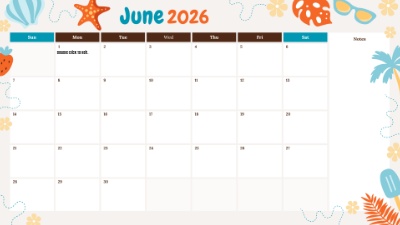
June Beach Calendar
1920 x 1080
Hotel Event Directory
1920 x 1080
School general weather
1920 x 1080Weather goes well on your signage with

Current Date/Time
Mango Signs with the Current Date/Time app allows you to display the current date or time at the location of your signs. You can customize the fonts and date or time format to your liking.
Images
Mango Signs with the Images app allows you to upload your own images to show on your digital signage. Our drag and drop editor allows you to resize, rotate, crop add borders and even effects and animations to your images.

News
Mango Signs with the RSS app allows you to display real time news feeds or your personal RSS feeds on your signs. The RSS feed automatically updates and cycles through the live feed throughout the day. Choose your own fonts and style to customize your feed.

The Twitter app allows your guests or employees to see your Twitter feed in real time on your digital signs. Show a feed along with images in the font and style of your choice, or display an image wall from your Twitter account or favorite hashtags.
Frequently Asked Questions
Common questions about using the Weather app for digital signage.
Log in to your MangoSigns dashboard, open a slide in the editor, and choose Weather from the apps panel. Position and size it anywhere on your slide, set any options it needs, and save. The app plays on every sign that slide is scheduled to.
Basic apps are included with every MangoSigns plan. Premium apps are included with the Premium and Enterprise plans. You can try Weather free during the 14 day premium trial, with no credit card required, to confirm it does what you need before subscribing.
Yes. Set the position, size, colors, fonts, and animations to match your brand. Weather can sit alongside your own images, video, and other apps on the same slide, and you can preview exactly how it will look before sending it to your signs.
Yes. Once Weather is set up on a slide, it refreshes its own content automatically. You do not need to re-edit the slide or touch the screen. MangoSigns pulls the latest information and pushes it out to your signs.
Yes. You can place multiple apps on a single slide. A common layout pairs Weather with live weather, a scrolling news ticker, or a social media wall so one screen carries several kinds of information at once.