



Simple Digital
Signage Software
for any Business
The easiest way to turn your TV or sign
into a powerful communication tool.
Thousands of the worlds most successful
companies large and small trust
MangoSigns to help communicate









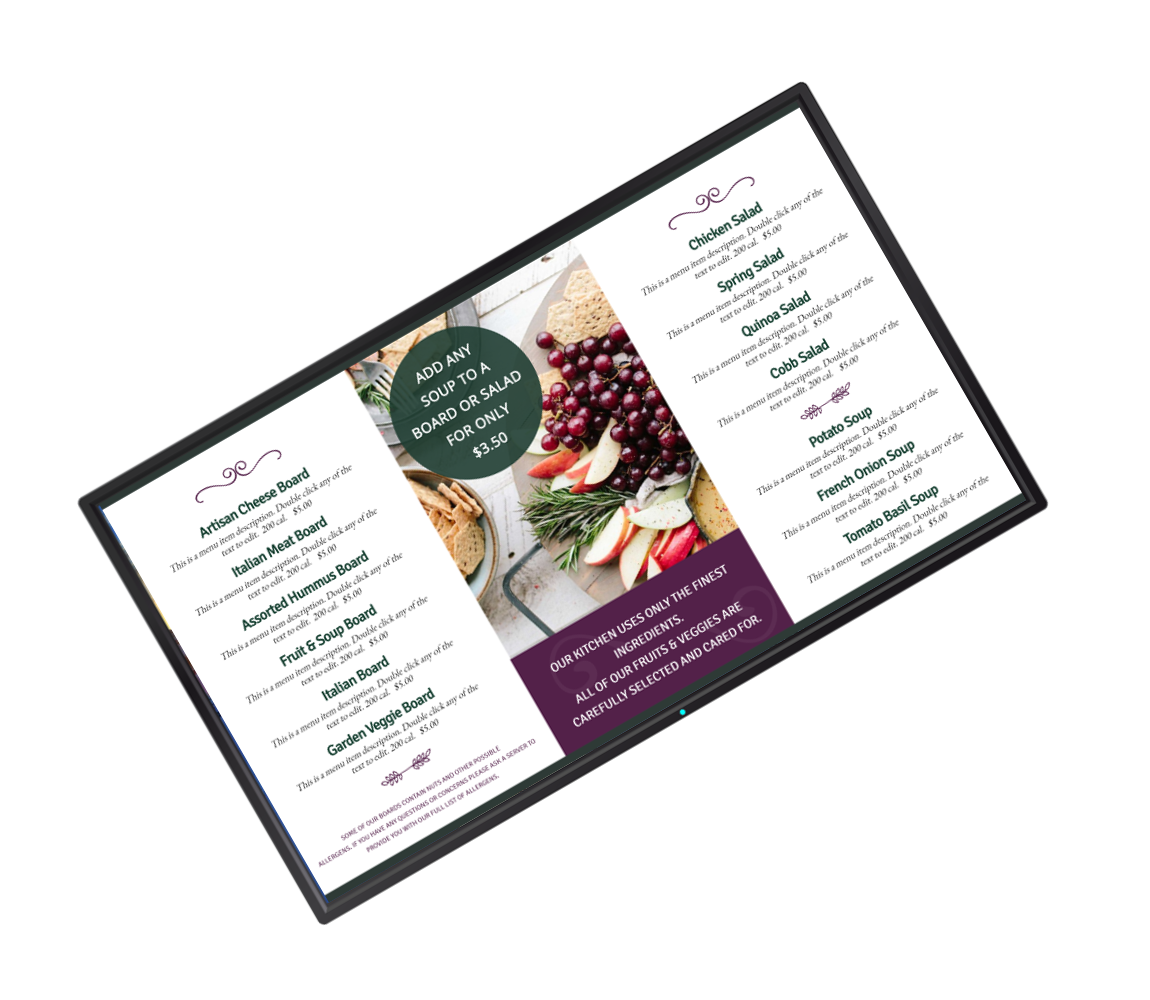
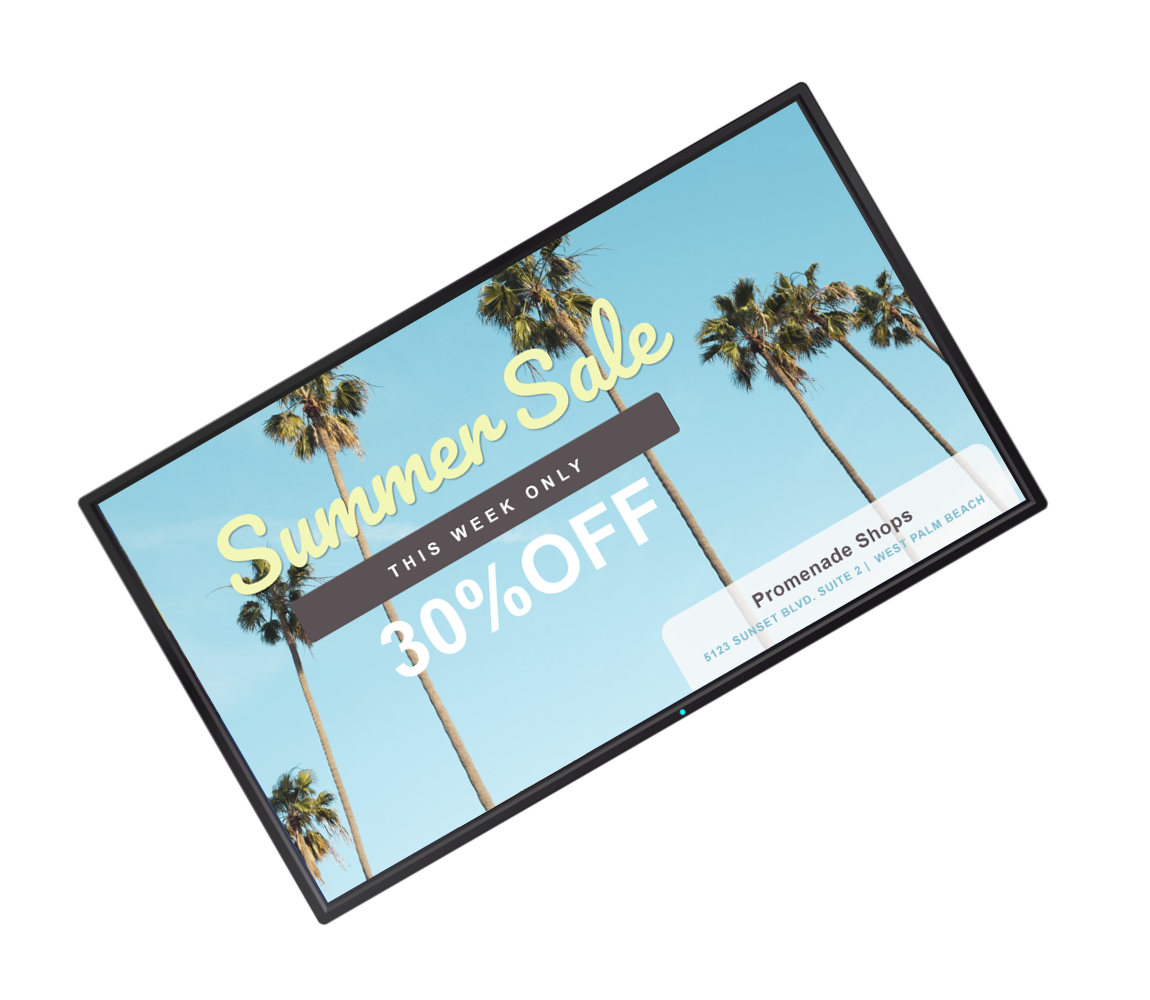
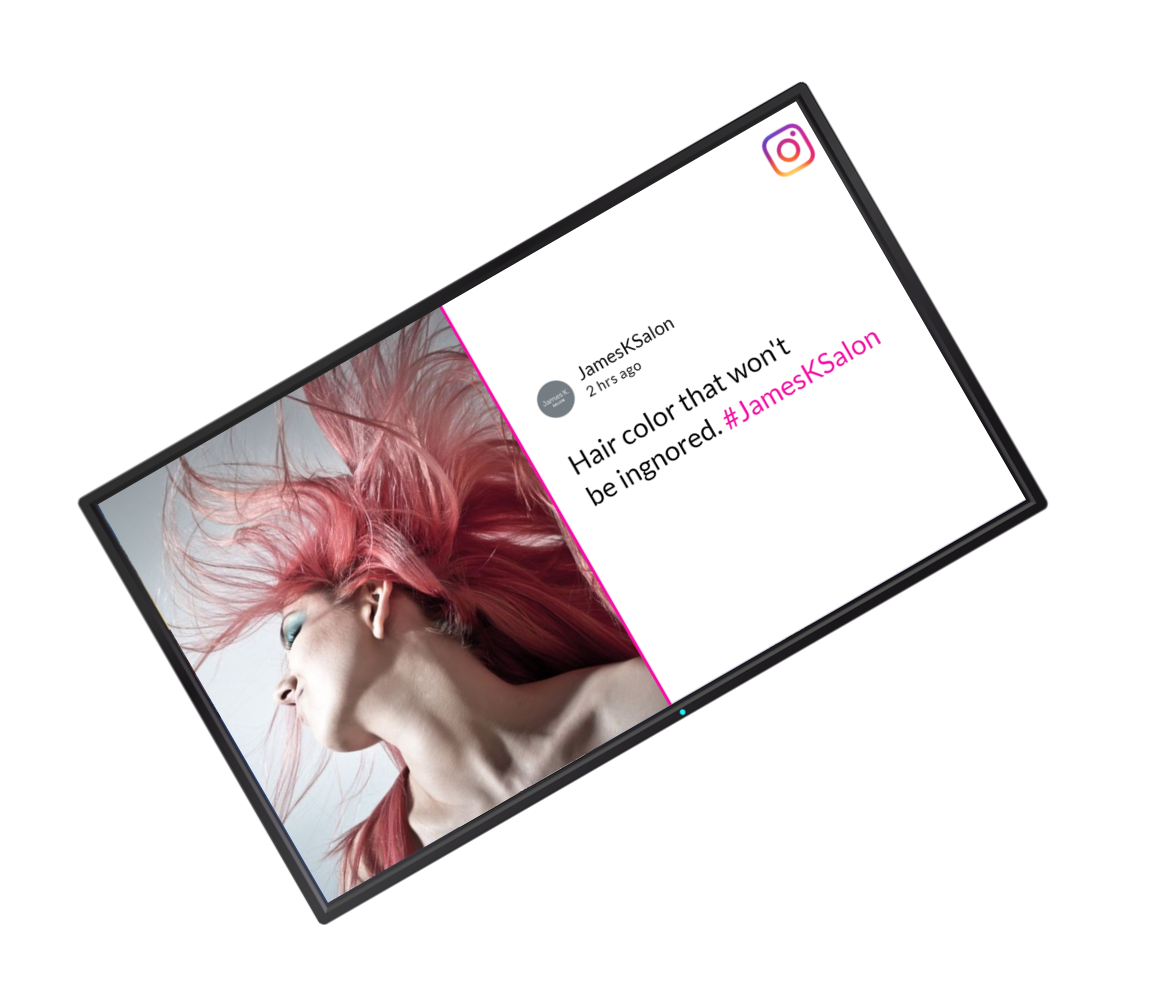
Whether you are looking to create Menu Boards, Communicate with your employees, show your social media posts, feature local weather, news and current events... It is all available with MangoSigns in a secure cloud based platform - that is easy to use, has hundreds of animated design templates with enterprise features at an affordable cost. It only takes a few minutes to set up using hardware that is readily available.
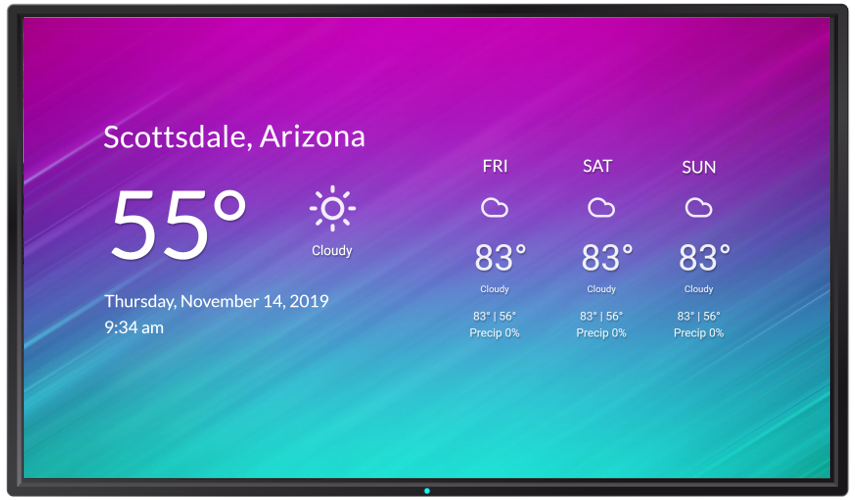
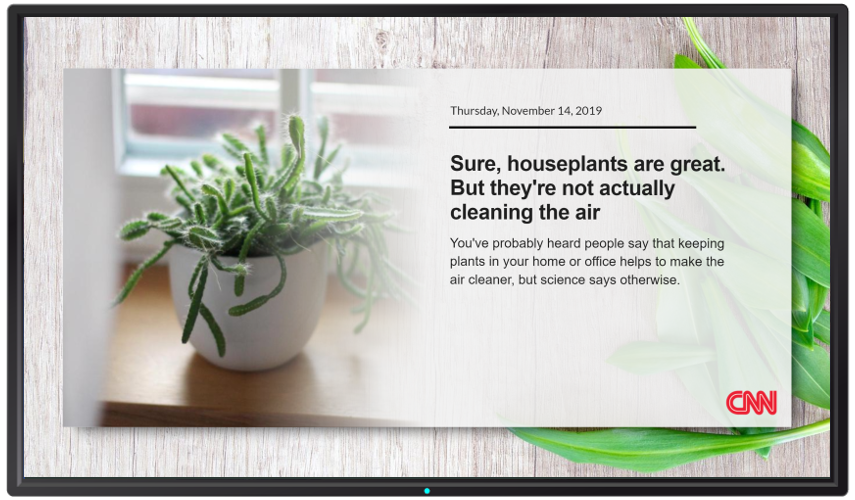
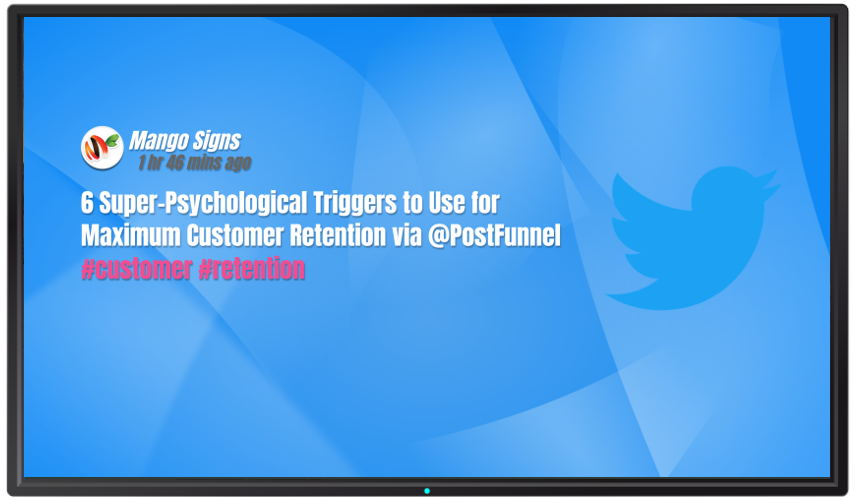
MangoSigns digital signage software allows you to communicate to your audience throughout your business, all you need is a screen, a device capable of running the MangoSigns player software and Internet access.
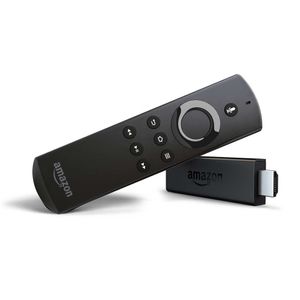
Connect a compatible device to your sign
MangoSigns works with all types of hardware that is readily available, simply connect to your TV or use a compatible smart TV.
More Details
Install the MangoSigns player software
Install the MangoSign player from the app store on your device, or download the installer from your dashboard and install it directly.
More Details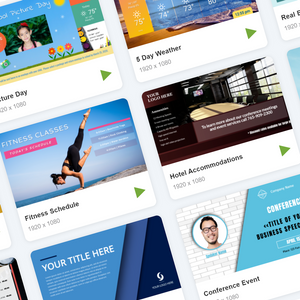
Edit a Template and save it as a Slide
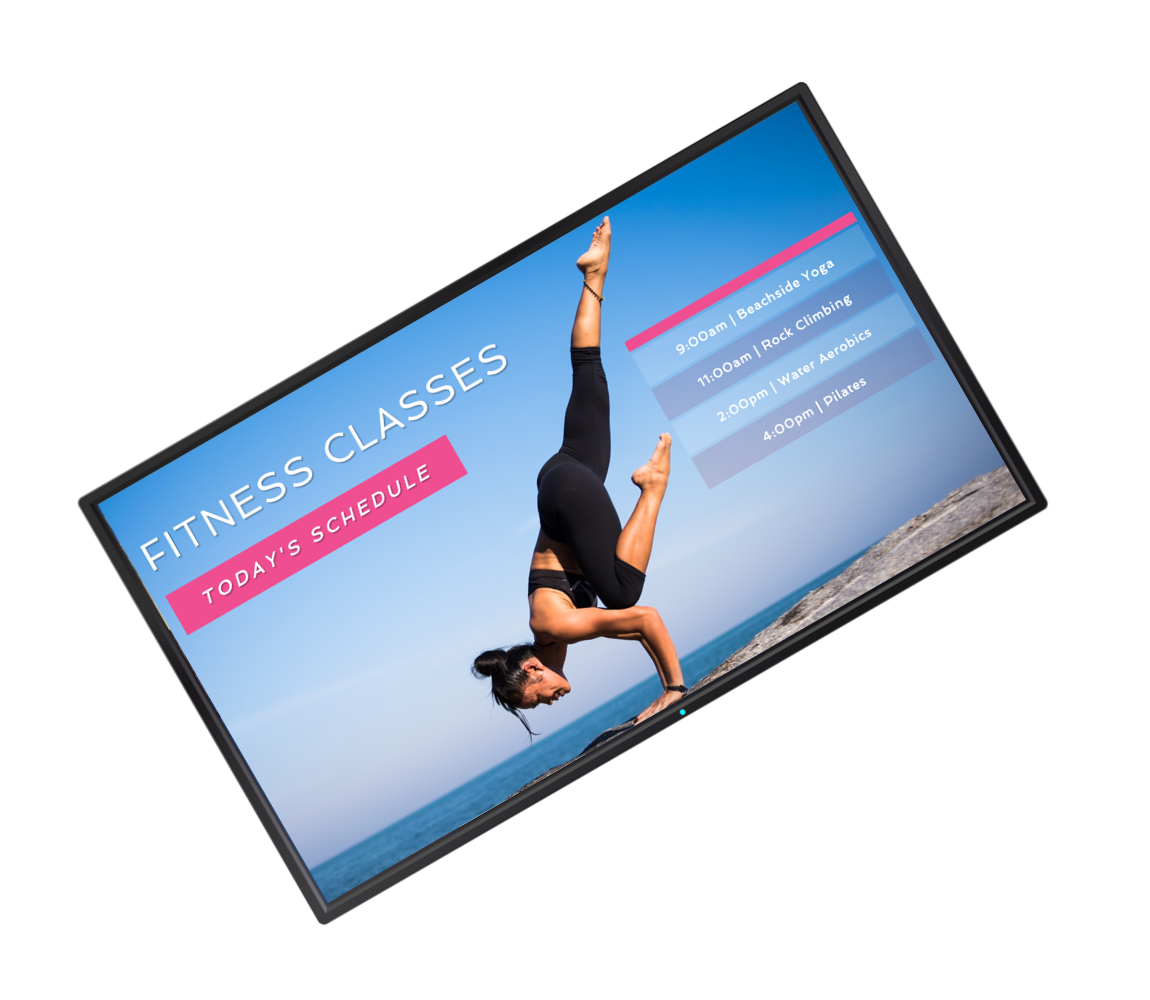
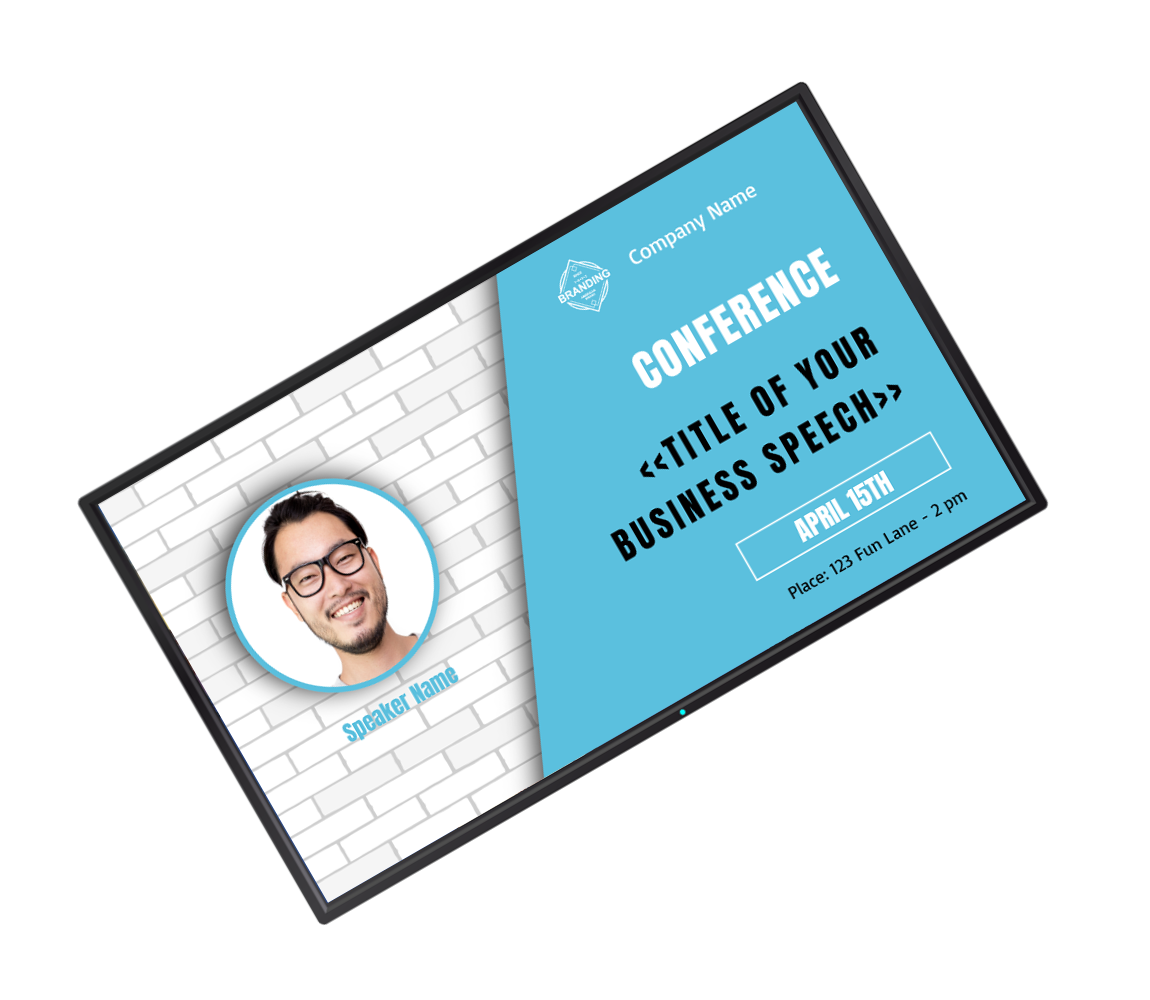
Start with your own images or video or browse through our library of carefully crafted templates from our design team that are frequently updated.
More Details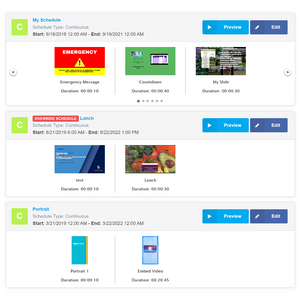
Schedule your Slide to your Sign
Send your content to your signs by creating one or more schedules that allow you to define where and when your slides should play.
More DetailsSome of the things that make
MangoSigns stand out
from the rest
Full Featured In-Browser Content Editor
Create stunning content with MangoSigns awesome in browser editor and suite of features. Start with a template and customize or animate every aspect.
More Details
Hundreds of Animated Design Templates
Search and choose from hundreds of free ready-to-use templates for your digital signs. Pick a template and edit it right in your browser.
More Details
Tons of Apps and Integrations
We integrate with apps and services you already use to pull in information and display it automatically on your signs.
More Details
Powerful Scheduling Capabilities
Define where and when your content should play with the ability to show things daily, weekly yearly, as well as mix in or override other content.
More Details





Whether you are looking to create Menu Boards, Communicate with your employees, show your social media posts, feature local weather, news and current events... It is all available with MangoSigns in a secure cloud based platform - that is easy to use, has hundreds of animated design templates with enterprise features at an affordable cost. It only takes a few minutes to set up using hardware that is readily available.






Basic
Features
- Unlimited Slides
- Single User
- Basic Apps/Integrations
- Create your own Templates
- Email and Live Chat Support
- Hundreds of free Animated Templates (excludes premium app integrations)
- Thousands of additional free templates through Canva
- And more
Premium
Features
- Unlimited Slides
- Unlimited Users
- User Permissions and Roles
- Premium Apps/Integrations
- Restore Slides From History
- Create your own Templates
- Email and Live Chat Support
- Hundreds of free Animated Templates
- Thousands of additional free templates through Canva
- Share your Content Remotely
- And more
Enterprise
Features
- Unlimited Slides
- Unlimited Users
- User Permissions and Roles
- Premium Apps/Integrations
- Restore Slides From History
- Create your own Templates
- Email, Chat, and Phone Support
- Hundreds of free Animated Templates
- Thousands of additional free templates through Canva
- Share your Content Remotely
- And more
Basic
Features
- Up to 30 Slides
- Single User
- Basic Apps/Integrations
- Create your own Templates
- Email and Live Chat Support
- Hundreds of free Animated Templates (excludes premium app integrations)
- Thousands of additional free templates through Canva
- And more
Premium
Features
- Unlimited Slides
- Unlimited Users
- User Permissions and Roles
- Premium Apps/Integrations
- Restore Slides From History
- Create your own Templates
- Email and Live Chat Support
- Hundreds of free Animated Templates
- Thousands of additional free templates through Canva
- Share your Content Remotely
- And more
Enterprise
Features
- Unlimited Slides
- Unlimited Users
- User Permissions and Roles
- Premium Apps/Integrations
- Restore Slides From History
- Create your own Templates
- Email, Chat, and Phone Support
- Hundreds of free Animated Templates
- Thousands of additional free templates through Canva
- Share your Content Remotely
- And more
Everything you need to know about MangoSigns digital signage software. Still have questions? Get in touch with our team.
Digital signage software is a cloud-based platform that lets you display dynamic content — like images, videos, menus, announcements, social media feeds, and live data — on TVs and screens throughout your business. Instead of static posters, you can update content instantly from anywhere, schedule what plays when, and manage multiple screens from a single dashboard.
MangoSigns runs on any TV or display in four simple steps: connect a compatible device (Fire TV Stick, Android box, or PC) to your screen, install the MangoSigns player app, design a slide using our in-browser editor or one of hundreds of animated templates, then schedule when and where your content plays. Everything is managed from your MangoSigns dashboard in the cloud.
You need three things: a TV or monitor with an HDMI input, a compatible playback device (Amazon Signage Stick, Fire TV Signage Stick, Android TV box, Windows PC, or a compatible smart TV), and an internet connection. MangoSigns works with widely available, affordable hardware — no proprietary equipment is required. See our full hardware guide.
Plans start at $8.95 per screen per month on the annual Basic plan. Premium is $13.45 per screen per month billed yearly, and Enterprise is $22.95 per screen per month billed yearly. Monthly billing is also available. There are no long-term contracts or hidden charges, and non-profits, schools, and places of worship qualify for a 20% discount. See full pricing details.
Yes — every new account includes a 14-day free trial of the Premium plan with no credit card required. You can test every feature, connect real screens, and see whether MangoSigns fits your business before paying anything. Start your free trial.
You can display almost anything: images, videos, animated slides, digital menus, employee announcements, live weather, news, calendars, social media feeds (Facebook, Instagram, X/Twitter), YouTube videos, RSS feeds, wayfinding maps, Canva designs, and more. Our template library and app integrations are updated regularly at no extra cost.
No. MangoSigns is designed for non-technical users. Start with one of hundreds of ready-made animated templates and edit it in your browser using drag-and-drop tools — no design software or coding is required. Most customers get their first sign live in under an hour.
Yes. You can manage unlimited screens from a single MangoSigns account, group them by location or department, and target different content to different screens through powerful scheduling. Premium and Enterprise plans also include unlimited users and role-based permissions so team members can manage only the signs relevant to them.


