Easy to create
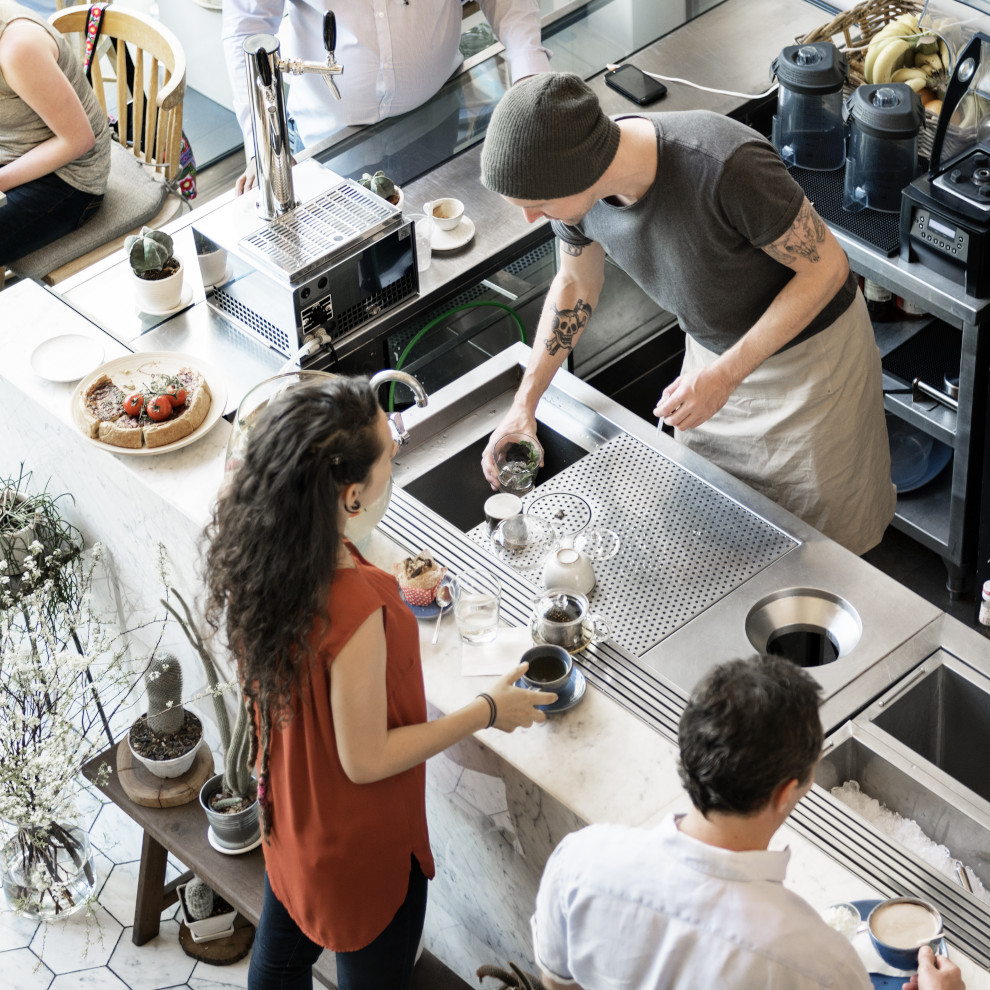
- Showcase daily specials while reducing print costs
- Display operating hours, social media and contact info
- Use templates to create a consistent theme through your establishment




Stand Out and Grab Attention
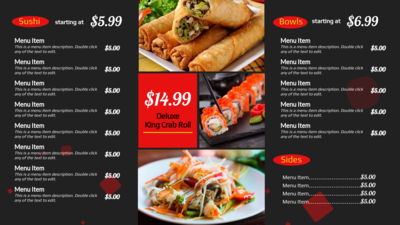
Use animations, videos and image slideshows to help draw attention to your signs and increase sales
Learn MoreStart from a Template
- Prebuilt menu templates give you a place to start, or start from scratch and use your own creative
- Text, colors, images, and videos can be easily added or replaced
- Preview exactly what the content will look like before sending to your signs


Update your Menu's Instantly!
Right in your Browser.
Using the MangoSigns slide editor, you can update all of your content right through your browser. No need for other 3rd party services or expensive applications. Everything can be customized and animated within our platform.
Find out more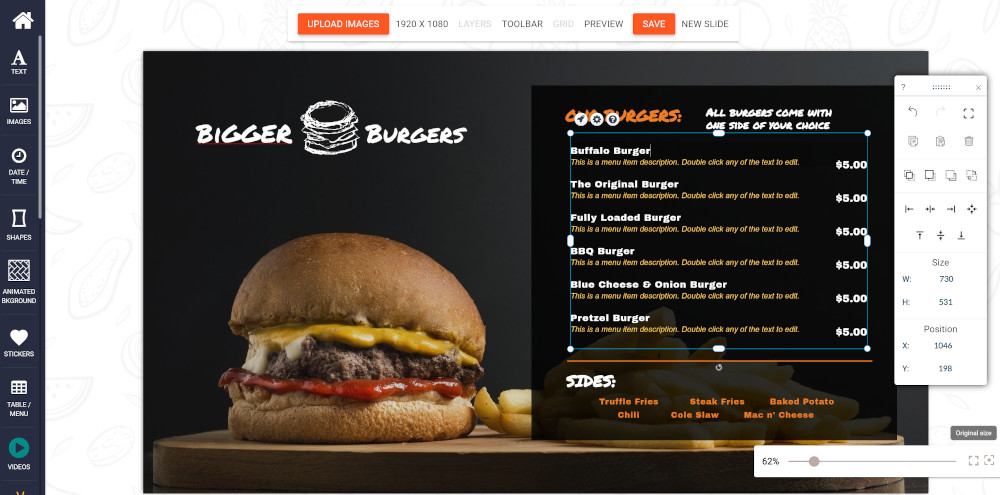
Engage Socially
- Display animated social media image walls
- Encourage customers to connect via your social accounts
- Update featured specials and happy hours instantly


Restaurant Digital Signage FAQ
Common questions about running digital menu boards and signage in restaurants, bars, cafés, and food service.
Yes. MangoSigns is designed to power digital menu boards for restaurants, bars, cafés, food courts, and cafeterias. Use the built-in Menu app to organize items and prices, choose from restaurant-specific templates, and update your menus in seconds from any browser.
Log in to your MangoSigns dashboard from any browser, open your menu slide, and edit prices, items, or images directly. Changes push to your screens automatically — you don't need to touch the display or use any specialty software.
Yes. MangoSigns scheduling lets you show a breakfast menu in the morning, switch to lunch at 11 AM, and roll into happy hour and dinner automatically. You can set daily recurring schedules, override for holidays, and mix menu boards with promotional slides.
MangoSigns includes menu boards, daily specials, happy hour promotions, allergen and dietary callouts, drink menus, cafe boards, coffee shop templates, "now serving" and order-ready displays, and social media walls for restaurants. New templates are added regularly at no cost.
Yes. Connect your restaurant's Facebook, or Instagram account and MangoSigns will pull in posts automatically. You can display an animated social wall on a dedicated screen or interleave posts with menu content.
You need a TV or monitor with an HDMI input plus a compatible playback device — an Amazon Fire TV Stick, Fire TV Signage Stick, Android TV box, Windows Compute Stick, or a compatible smart TV. See our hardware guide for details.
Yes. Enter your daily specials in your MangoSigns dashboard once, and they display across every screen instantly. You can also use conditional content to swap specials by day of the week without manually editing each morning.
Yes. Non-technical staff can update menus and specials with just a few clicks. Templates handle the design work — you type in the item, price, or promo and it appears formatted, animated, and on-brand.