

Share Important Information
- Remind students of upcoming events
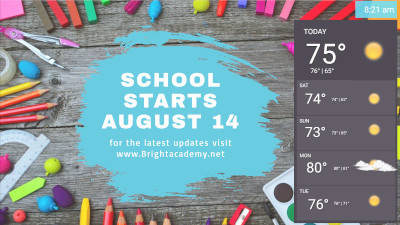
- Display an animated countdown to an important date
- Promote after school activities and summer camps


Advanced UserPermissions
Invite students as users and grant them specific access based permissions you choose. You can enable or limit access to slides, templates, signs, schedules and more.
Learn More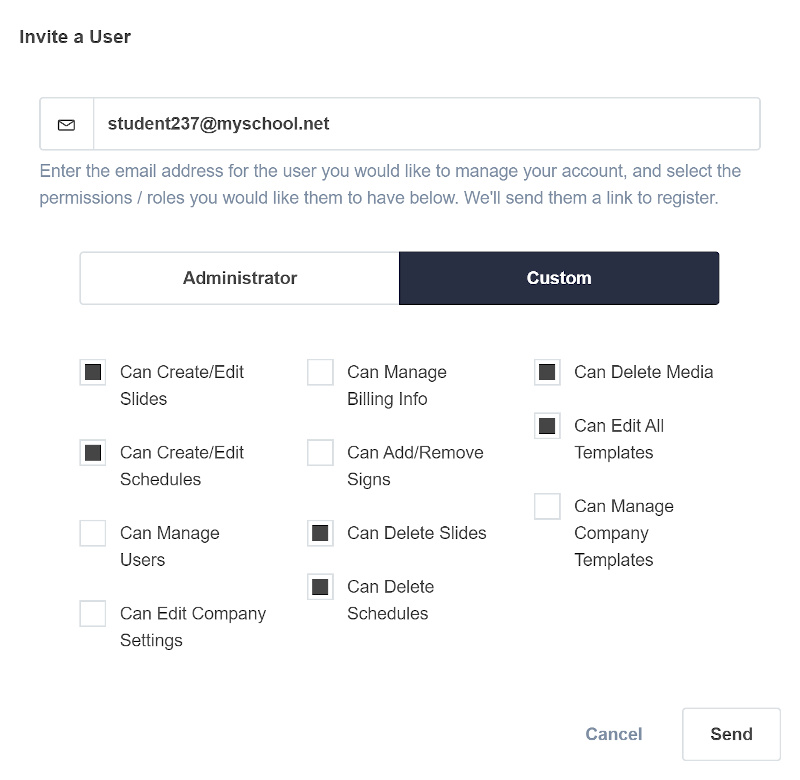

Multi-Audience Communication
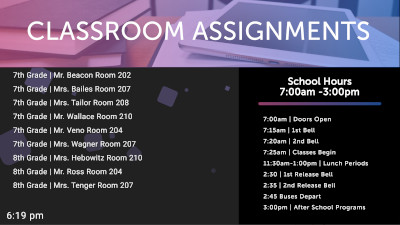
- Display class assignments, schedules, school hours and car pickup times
- Show the weather forecast and important reminders
- Link your social media accounts and display up to date animated posts



Easily schedule content where you want when you want
With powerful scheduling capabilities, you are in control of playing content around your campus when you want it to be shown.
See additional features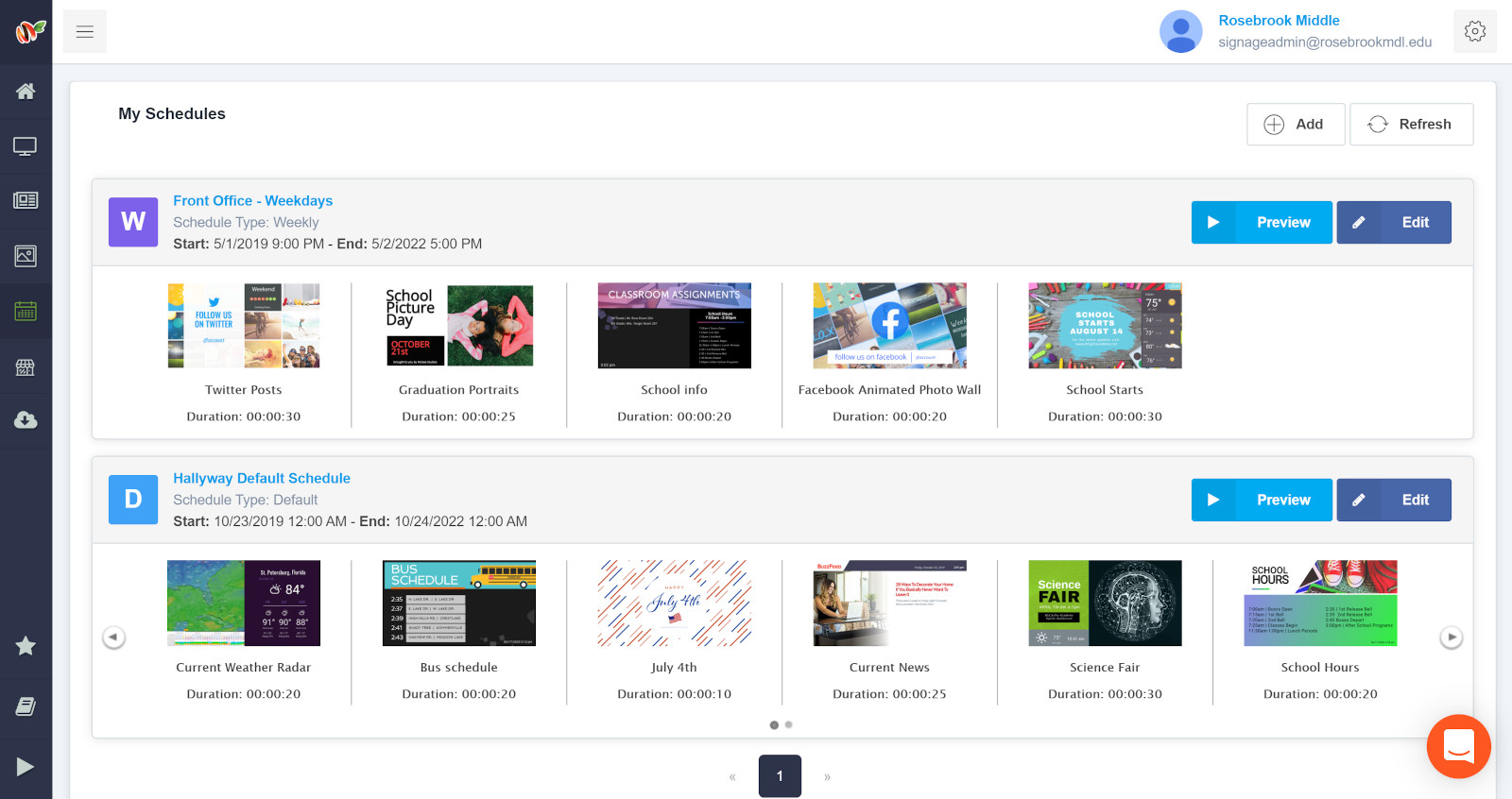
Fresh templates make your job easier
- Celebrate holidays and inform of school closures by choosing from our library of holiday templates
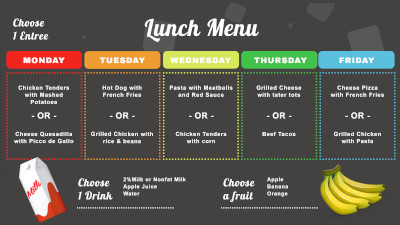
- Easily update and display your weekly breakfast and lunch menus
- Incorporate image slideshows, videos, google slides, powerpoint and other integrations on your signs



School Digital Signage FAQ
Common questions about using MangoSigns digital signage in K-12 schools, universities, and other educational institutions.
Yes. MangoSigns is used by K-12 schools, universities, community colleges, and daycare centers to communicate announcements, event countdowns, lunch menus, class schedules, weather, and social media feeds across campus screens.
Yes. Educational institutions qualify for a 20% discount on MangoSigns subscriptions. Non-profit organizations and places of worship also qualify. Contact us to apply the discount to your account.
Yes. Premium and Enterprise plans include unlimited users with role-based permissions. You can invite students, teachers, or administrators and grant specific access to slides, templates, signs, and schedules — great for giving journalism or media students hands-on experience.
Common school content includes daily announcements, event countdowns, lunch menus, class schedules, weather forecasts, school hours, car pickup times, sports scores, event photos, social media feeds, YouTube videos, and Google Slides presentations. All of these have built-in templates.
Yes. MangoSigns includes powerful scheduling so you can play morning announcements during first period, show lunch menus during lunch periods, run pickup instructions in the afternoon, and switch to sports scores after school — all automatically.
Yes. MangoSigns includes hundreds of templates designed for schools: welcome-back-to-school announcements, picture day reminders, event countdowns, graduation celebrations, sports schedules, weather cards, and holiday closures. New designs are added throughout the school year.
Yes. Use the Menu app to enter your weekly breakfast and lunch menus once, and they display on any screen you choose. Update the menu in your dashboard and every sign refreshes automatically.
Any TV or monitor with HDMI plus a compatible playback device (Fire TV Stick, Android TV box, Windows PC, or a compatible smart TV) and internet access. Many schools deploy MangoSigns on existing TVs already in classrooms and hallways. See our hardware guide.